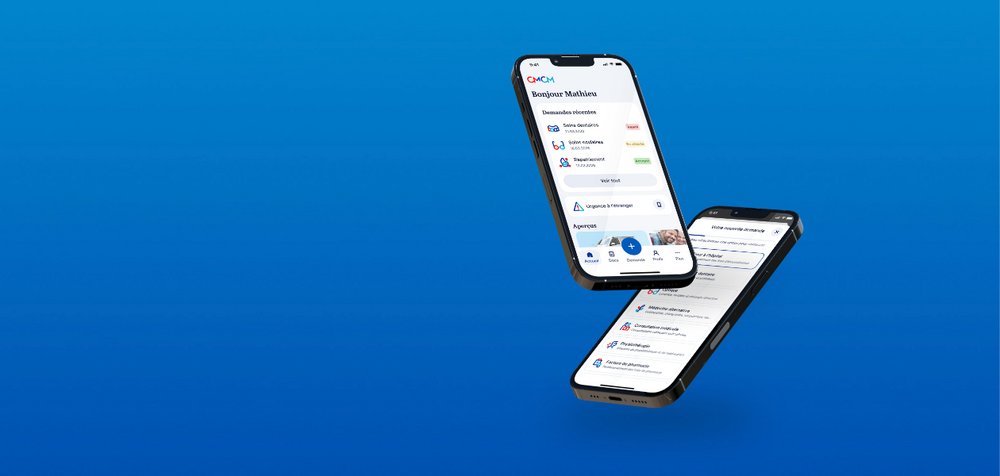
myCMCM
Manage your reimbursements, consult your documents
and access your CMCM services wherever you are.
Download myCMCM
Your CMCM reimbursements, documents and services at your fingertips.
The features of myCMCM
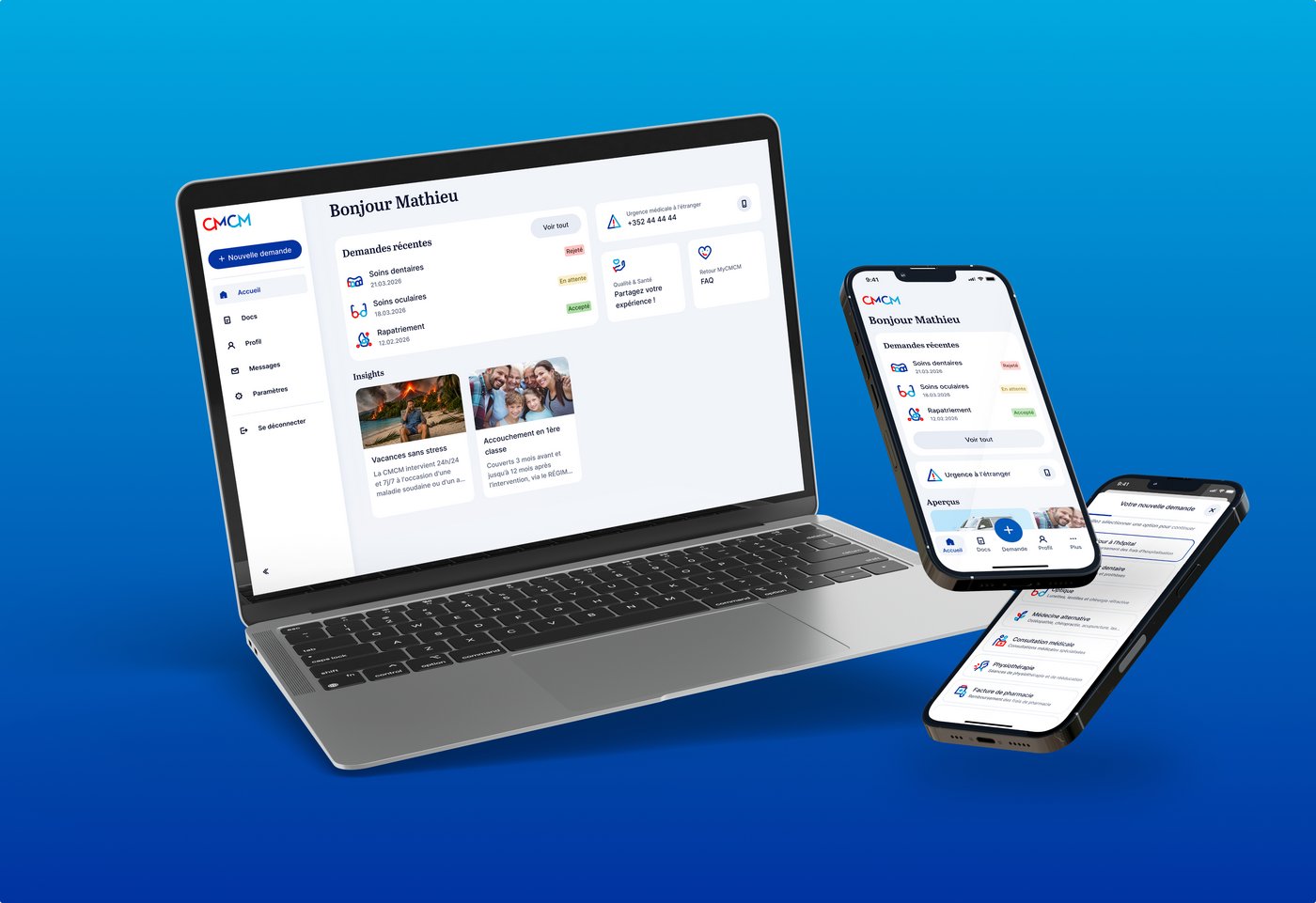
myCMCM lets you manage all your CMCM procedures from your smartphone or computer, anytime and securely. No need to travel or send documents by post.
-
Submit your requests in just a few steps
myCMCM guides you step by step and informs you about the documents required. Track the progress of each request in real time.
-
Access all your documents
Certificates, statements and membership documents — everything is centralised and accessible at any time from your smartphone.
-
Update your personal details
Change of address, marital status or coverage details — manage your profile without paper forms and from the comfort of your home.
-
Emergency abroad? We are here for you.
Immediate access to CMCM's emergency helpline, available 24/7 wherever you are in the world.
-
Share your medical experience
Complete a short questionnaire in just a few minutes to share your experience with the medical care you received.
Get started in under 5 minutes
-
Download myCMCM on the App Store or Google Play
-
Open the app and tap “Activate my access”
-
Verify your identity via IDnow – this step only needs to be completed once by the main member
-
You are all set. You can now access all your CMCM services
Your family can benefit too
Invite comembers directly from the app. Each member has access to the same information and documents.
Any questions?
We may already have the answer
- Download the app from the App Store or Google Play.
- When you log in for the first time, an identity verification via IDNow is required. This step is only required for the main member and only needs to be completed once.
- Once your identity has been verified, you will have access to all the app's features.
Yes, myCMCM is available to all CMCM members, even if they have never used the previous application.
Simply download the app and follow the activation steps.
Yes. As myCMCM is a new platform, you will need to activate your account before using it. The process is simple and takes less than 5 minutes. Please have your identification number, e-mail address, and identity card ready.
myCMCM is a new, independent platform. Your personal data as a CMCM member are correctly displayed in the new application. However, the history from the previous application (submitted documents, request history, etc.) will not be migrated.
Please check your spam or junk mail folder. If the e-mail is not there, make sure that the e-mail address registered in your CMCM file is correct. If you are unsure, please contact our Membership Department.